· Jason Louro
Best AI game makers in 2026: an honest comparison
Rosebud, Makko, Summer Engine, GDevelop's AI agent and Chunkyard compared on what you can make, what you own, and whether you can ship it.
The best AI game maker depends on what you want to end up with. For a browser game you share with a link, look at Rosebud or Makko. For 3D, mobile or a full engine with AI built in, look at Summer Engine or GDevelop's AI agent. To make a 2D top-down pixel art game you own and can sell, without coding or drawing, that's what I built Chunkyard for.
I make Chunkyard, so weigh this accordingly. I've tried to say where each tool is the better pick, including the other ones. Prices and features were checked on 16 November 2026 and change often, so check each tool's pricing page before you buy.
The question that matters most
Before features, ask one thing: does the tool give you a game you can run outside its website? Many AI game makers build games that live on their own platform. That's fine for sharing a link, but if you want to sell on Steam or keep working on the game for years, you need an export and files you own.
At a glance
| Rosebud | Makko | Summer Engine | GDevelop + AI agent | Chunkyard | |
|---|---|---|---|---|---|
| What it is | Browser prompt-to-game | Browser 2D game and art studio | Desktop AI game engine | No-code engine with an AI agent | Desktop 2D top-down game maker |
| 2D / 3D | Both | 2D | Both | Both | 2D top-down |
| Desktop export for Steam | Pro plan and up | Not stated | Yes | Yes | Yes |
| Price model | Free tier, then $15–$100 a month | Free tier, then $20–$200 a month, plus top-ups | Free, pay for heavier AI use | Free, paid tiers for more AI credits | One purchase, plus coins for AI |
| Best for | Fast prototypes, jams, classrooms | Art and animation for 2D browser games | Ambitious projects, 3D, mobile | Learning an engine with AI help | Pixel art games without code or drawing |
Rosebud
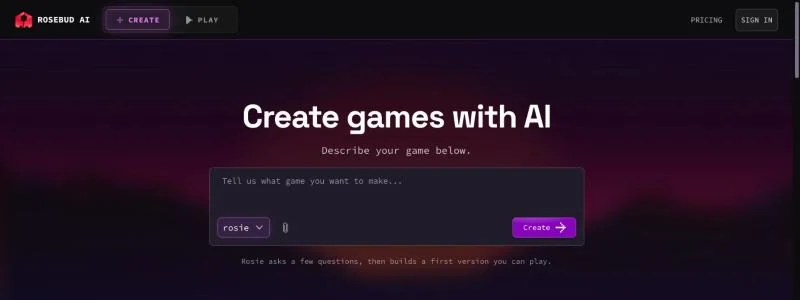
Rosebud is the best-known "describe a game, play it in seconds" tool. You type what you want, the AI writes the game, and you play it in your browser and share a link.
The catch is in the plans. On the free plan you get no commercial rights, no code download and no Windows export. Commercial rights start with the $30 a month 10x Dev plan, and downloading your code or exporting a Windows build for Steam starts with the $50 a month Pro plan (Rosebud pricing).
Pick it if you want a browser game you can share as a link, like a game jam entry or a classroom demo.
Skip it if you want to sell your game without paying $50 a month.
Makko
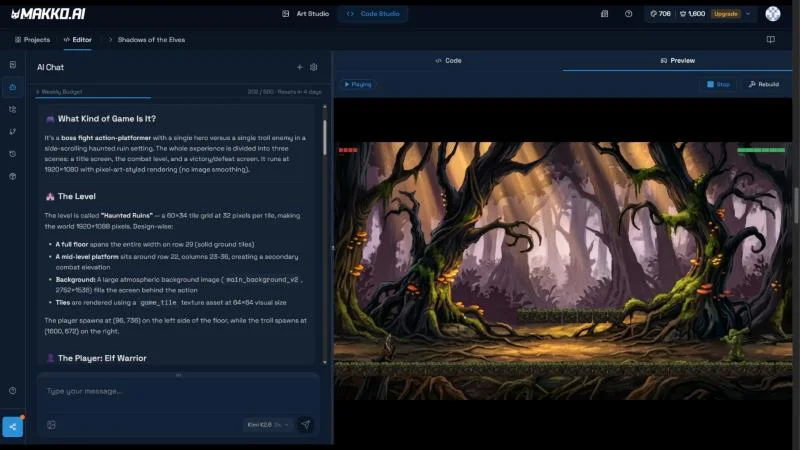
Makko pairs a Code Studio, where AI builds the game, with an Art Studio for characters, backgrounds, props and sprite animations. Every plan includes both. The free plan gives you 150 art credits a month and 70 chat requests a week, with no card needed. Paid plans run $20, $50, $100 and $200 a month, with 17% off annual billing, and one-off credit packs from $5 that never expire (Makko pricing).
Makko keeps characters consistent across scenes and animations with what it calls Collections. You keep full ownership of what you make, can publish commercially, and Makko takes no revenue share. You can also export all of your art to use in another engine.
The games themselves are 2D browser games: platformers, puzzle games, arcade shooters and RPG-style games. I couldn't find a desktop or Steam export on its pricing page.
Pick it if you want AI-generated characters and animations, either for a browser game or to use in another engine.
Skip it if you need a desktop build to sell on Steam.
Summer Engine
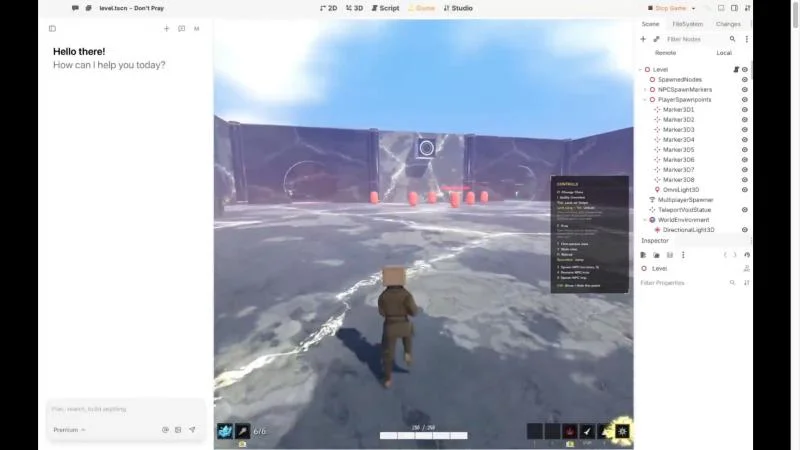
Summer Engine is a full desktop engine with AI as the main interface. It's compatible with Godot 4, handles 2D and 3D, and exports Windows and macOS builds that you can sell with no royalties. The download, editor and export are free, a new account comes with a starter amount of AI, and you pay for heavier AI use. You can also drive it from coding agents like Claude Code, Codex or Cursor.
Pick it if you want 3D, mobile or multiplayer, or a real engine project you can grow into anything.
Skip it if you want something narrower and simpler. A full engine means more to learn, and the art style is up to you.
GDevelop with its AI agent
GDevelop is a long-running free, open-source no-code engine, and it now has an AI agent. Choose "Build for me" in its Ask AI panel, describe what you want, and the agent creates scenes, objects, behaviors and events in your project. GDevelop is clear that it isn't a "make my whole game" button, and requests use credits (GDevelop's AI agent).
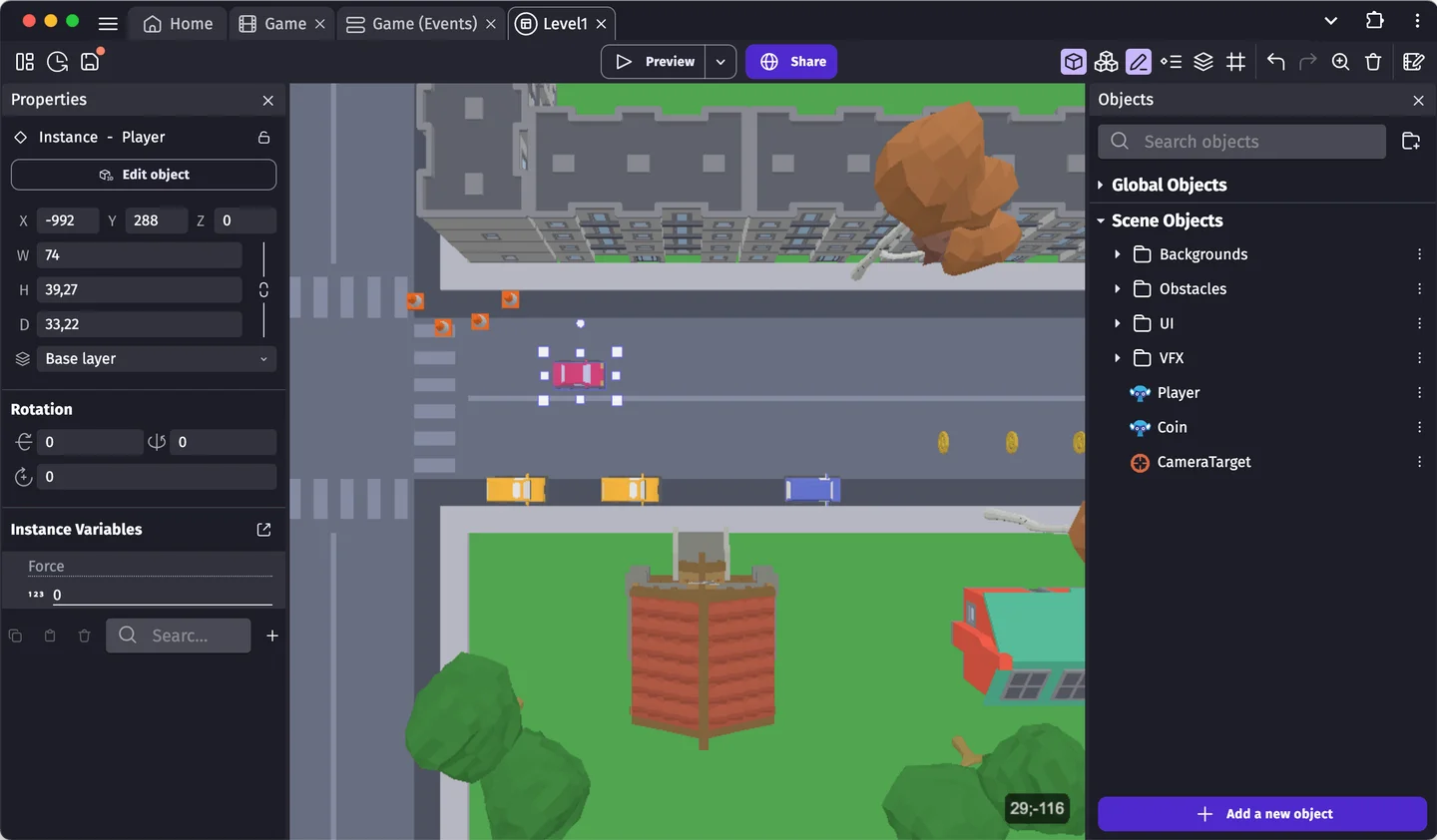
Pick it if you want to learn a proper engine with AI help, and you're happy to source or draw your art.
Skip it if art is your real blocker. The agent helps with logic, but consistent sprites are still on you.
Chunkyard
Chunkyard is a desktop app for Windows, macOS and Linux that does one kind of game: 2D top-down pixel art. That covers survival, RPGs, farming sims, dungeon crawlers, creature collectors and sandboxes. You ask for a creature, an item or a rule in plain English, approve the art, and playtest as you go. A new game is playable in about 15 minutes. Every creature, item and rule also has a form, so you can change a number without asking the chat.
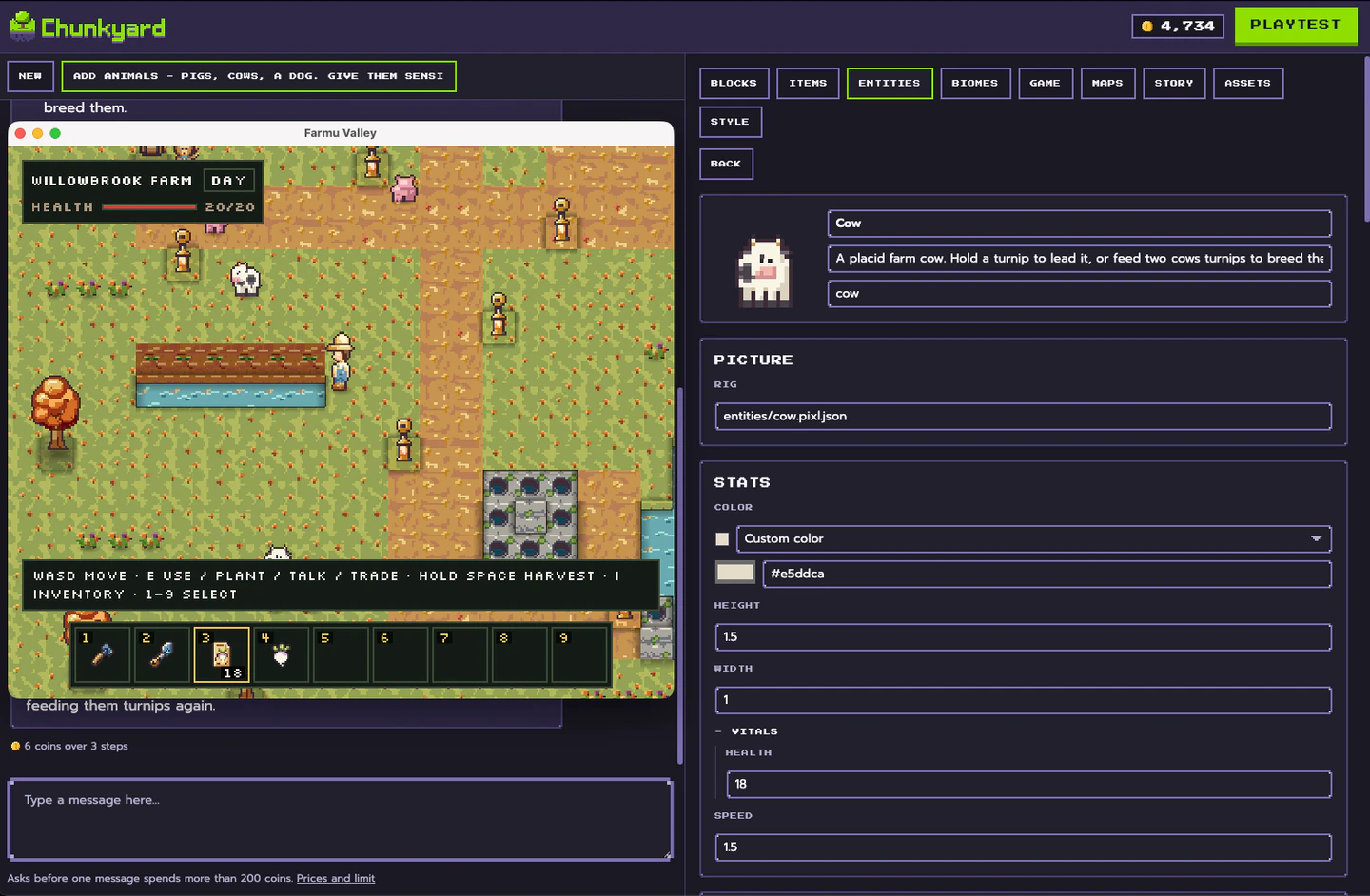
What's different is the art. Chunkyard's pixel art engine never lets a model paint pixels. A model writes a small drawing program, code renders it on a true 16-pixels-per-tile grid, and a linter and a critic check it before you see it. Every sprite follows your game's style kit, so the hundredth matches the first. Here's how it works.

It also handles the parts of an RPG that usually need code: branching dialogue, shops, locked doors, and quests the game remembers.
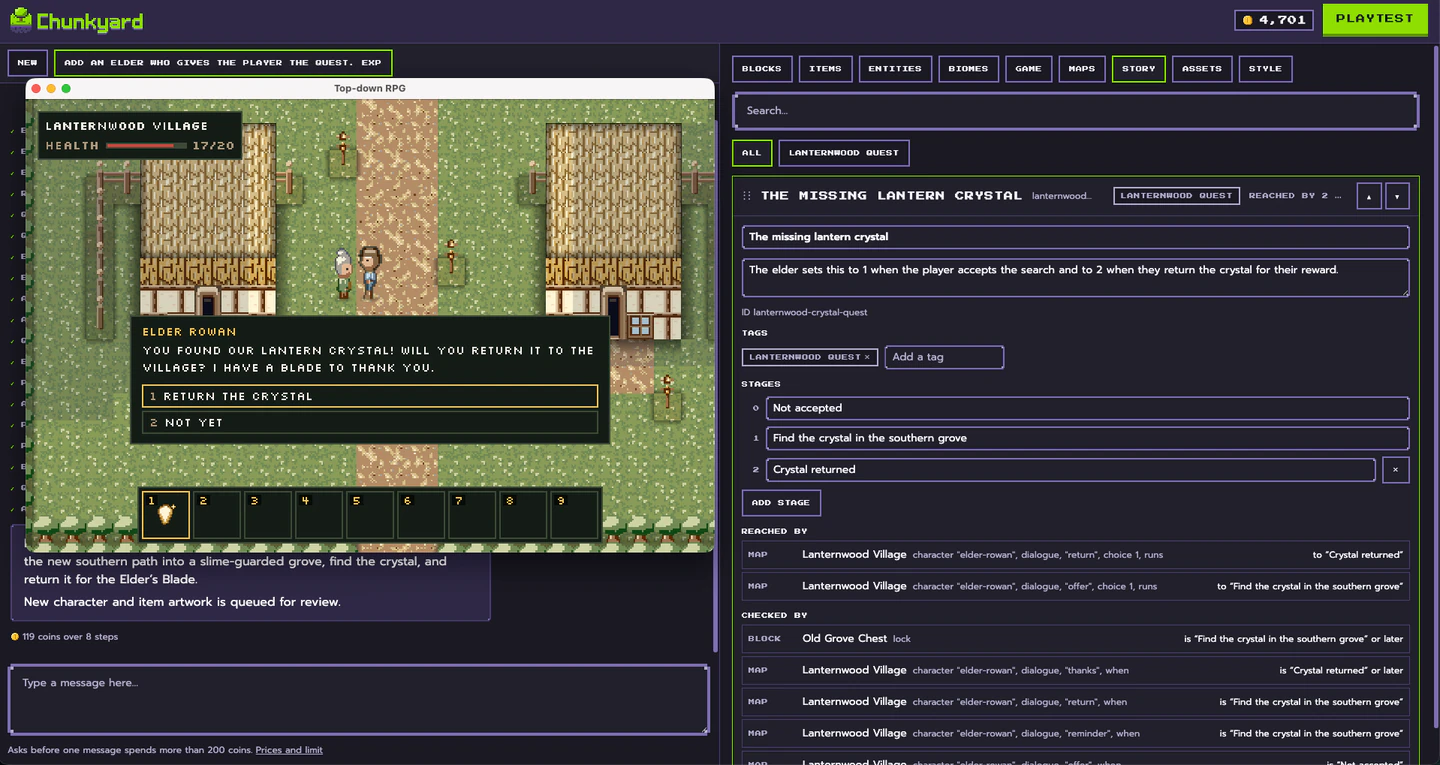
You buy Chunkyard once. The chat, drawings and music use coins, and every account starts with 5,000. Editing, playtesting and exporting are free. Export to Windows, macOS, Linux or the web, and the game is yours to sell. Exported games run on their own, with no Chunkyard and no account.
Pick it if you want a pixel art game that looks consistent and hand-made, and you can't code or draw.
Skip it if you want 3D, a platformer, multiplayer or turn-based battles. Chunkyard doesn't do any of those, and the tools above are better for them.
How to choose
- Want a 2D pixel art game you can play in 15 minutes and sell later, without code or drawing? Chunkyard.
- Want a browser game to share as a link? Rosebud or Makko.
- Want 3D, mobile or multiplayer? Summer Engine or GDevelop.
- Want to learn an engine as you go? GDevelop.
Whichever you pick, check two things before you invest weeks: can you export a build you own, and does the art stay consistent past the first ten sprites?
If you're also weighing classic no-code tools, I compared RPG Maker, GDevelop and Chunkyard. If you plan to sell, read can you sell a game made with AI on Steam?