· Jason Louro
How to make a 2D survival game without coding
How to build a top-down survival game with hunger, crafting and night-time enemies, step by step, without programming or drawing.
A survival game needs pressure and a way to push back. Pressure comes from hunger, the night and enemies. Pushing back comes from gathering, crafting and building. Get those two sides balanced and you have a survival game, and you can build both without code.
Here's how, using Chunkyard as the tool.
The survival loop
Every survival game runs on the same loop:
- Gather: chop trees, mine stone, pick berries
- Craft: turn materials into tools, food and walls
- Survive: eat, shelter, fight what comes at night
- Expand: better tools let you gather better materials
Build that loop first, as small as possible, and make sure it holds together.
Step 1: Set the art style and the map
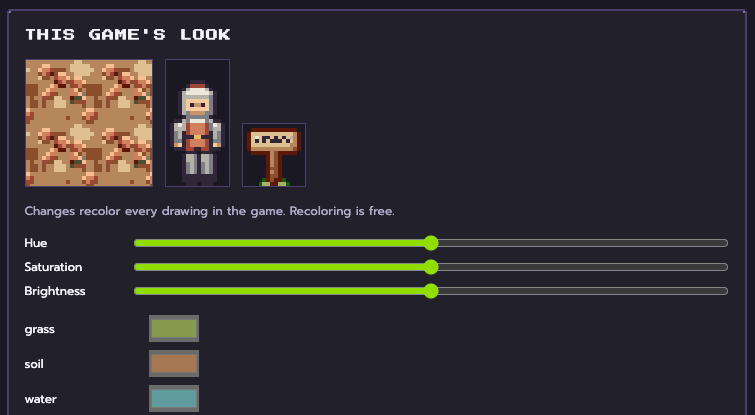
Choose a style kit: palette, outlines, light and shading. Survival games often look best a little darker and more muted. Then let Chunkyard generate a map with a few biomes, like a forest, a meadow and some water. Generated maps suit survival games, because exploring somewhere new is part of the fun.
Step 2: Add hunger
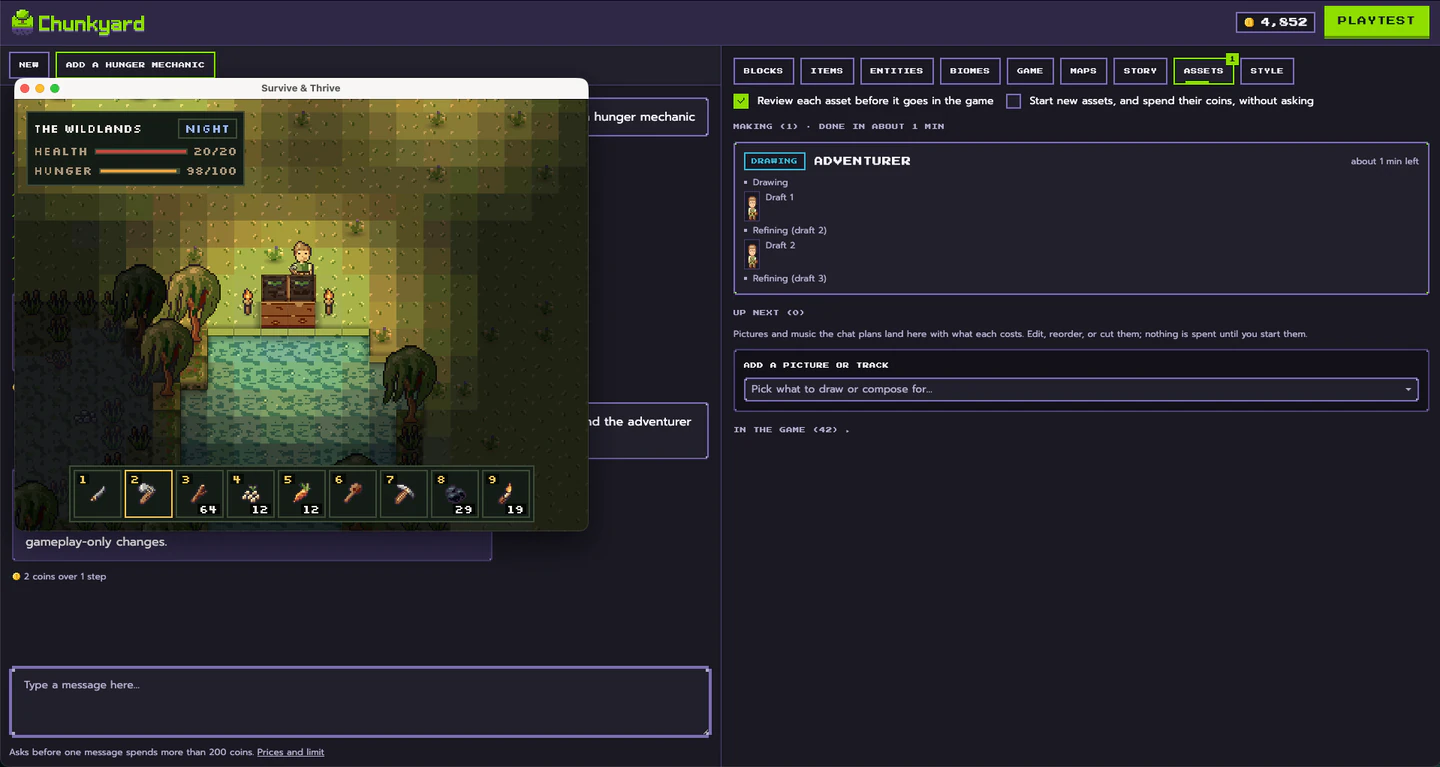
Give the player a hunger meter that slowly drains, and one food that fills it, like berries from a bush. Playtest. If you're starving in two minutes, lower the drain rate in the game's settings form. If it never matters, raise it. Meters aren't built in, so you could add thirst or warmth the same way.
Step 3: Add gathering and crafting
Start with three materials and three recipes:
- Wood, stone and fiber
- A stone axe: chops trees faster
- A campfire: a station that cooks raw food so it fills more hunger
- A wooden wall: keeps things out
Ask for each item and recipe in plain English, approve the sprites, and test that you can make it.
Step 4: Add the night
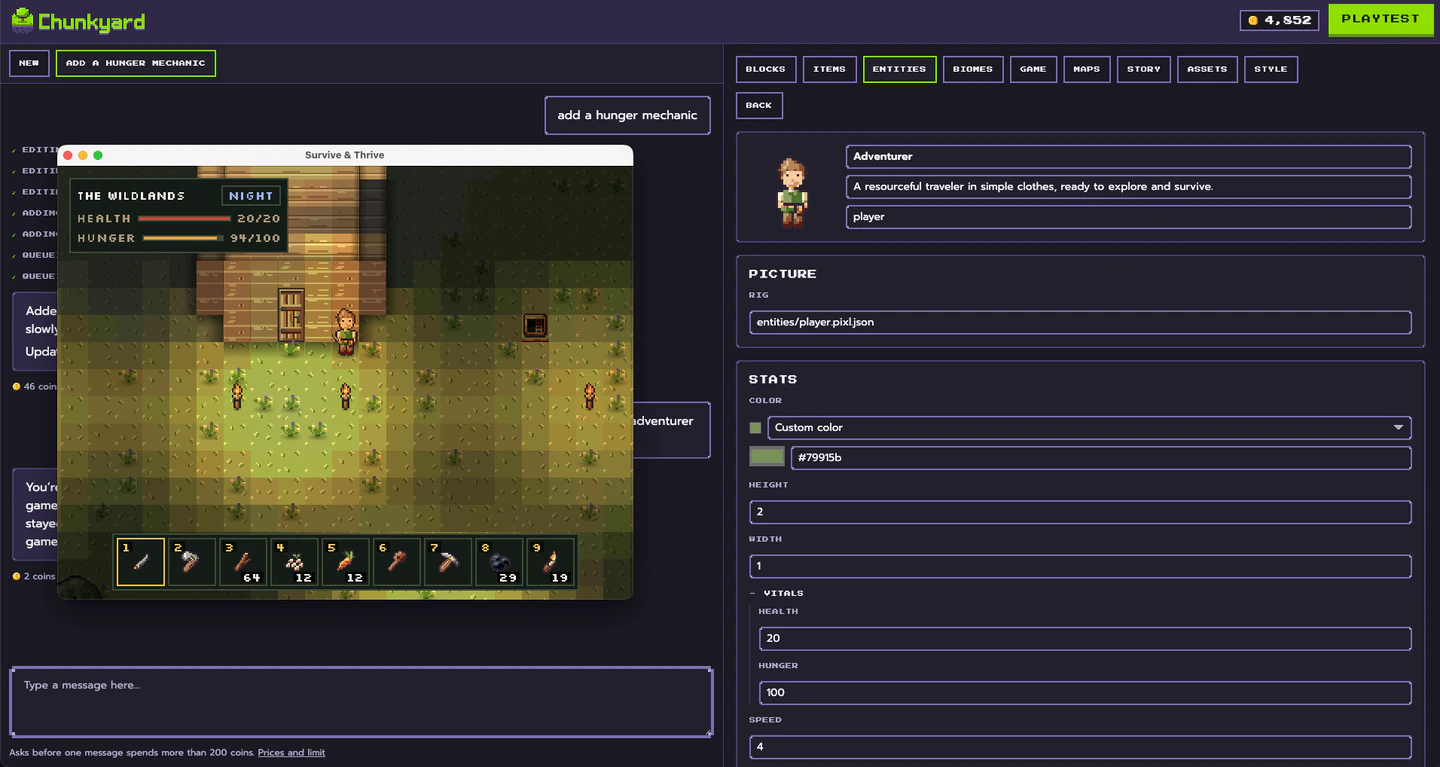
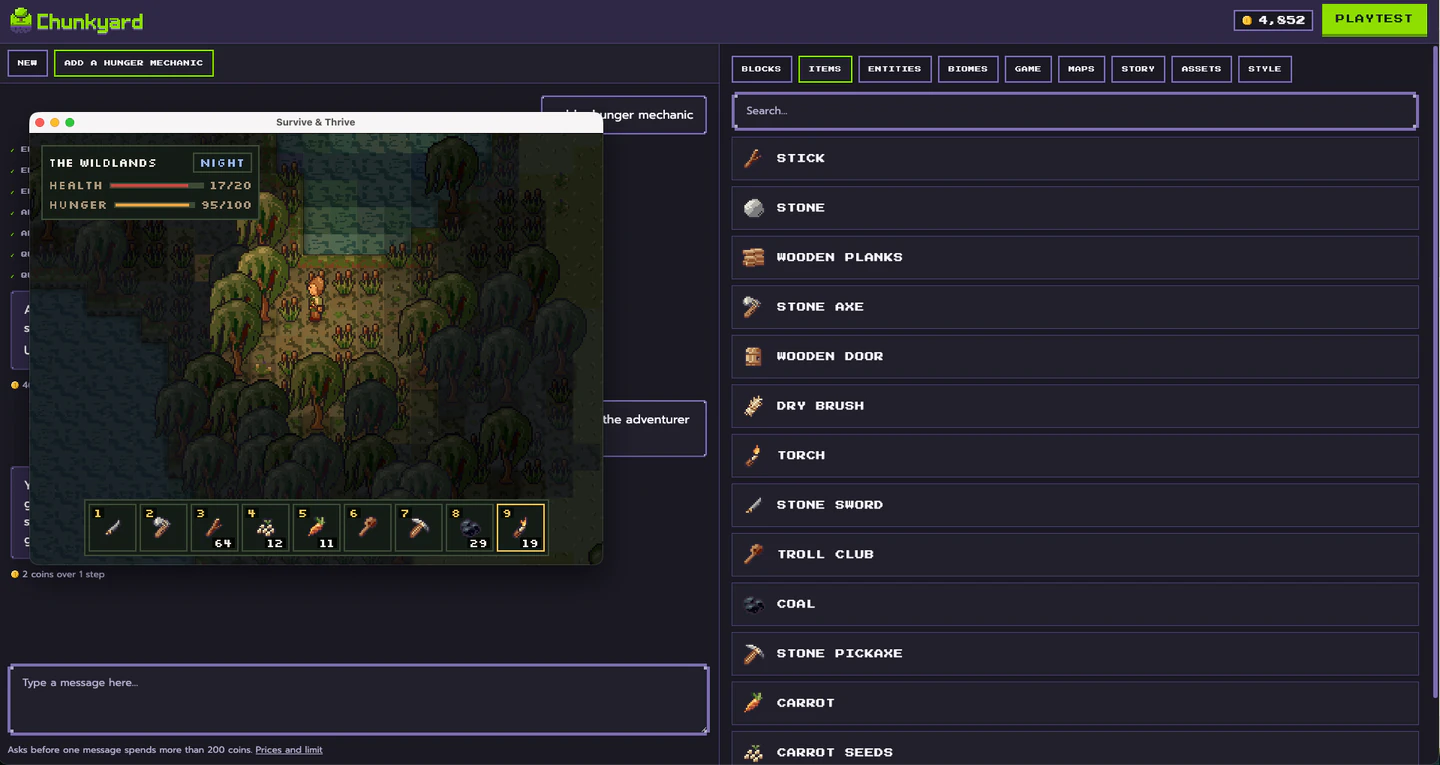
The day/night cycle is already in Chunkyard's engine, so the work is deciding what night means. Ask for an enemy that only hunts after dark, like "a shadow wolf that spawns at night." Now the campfire, a lamp and walls have a purpose. A bed lets the player set a spawn point and sleep through the night.
Step 5: Balance the pressure
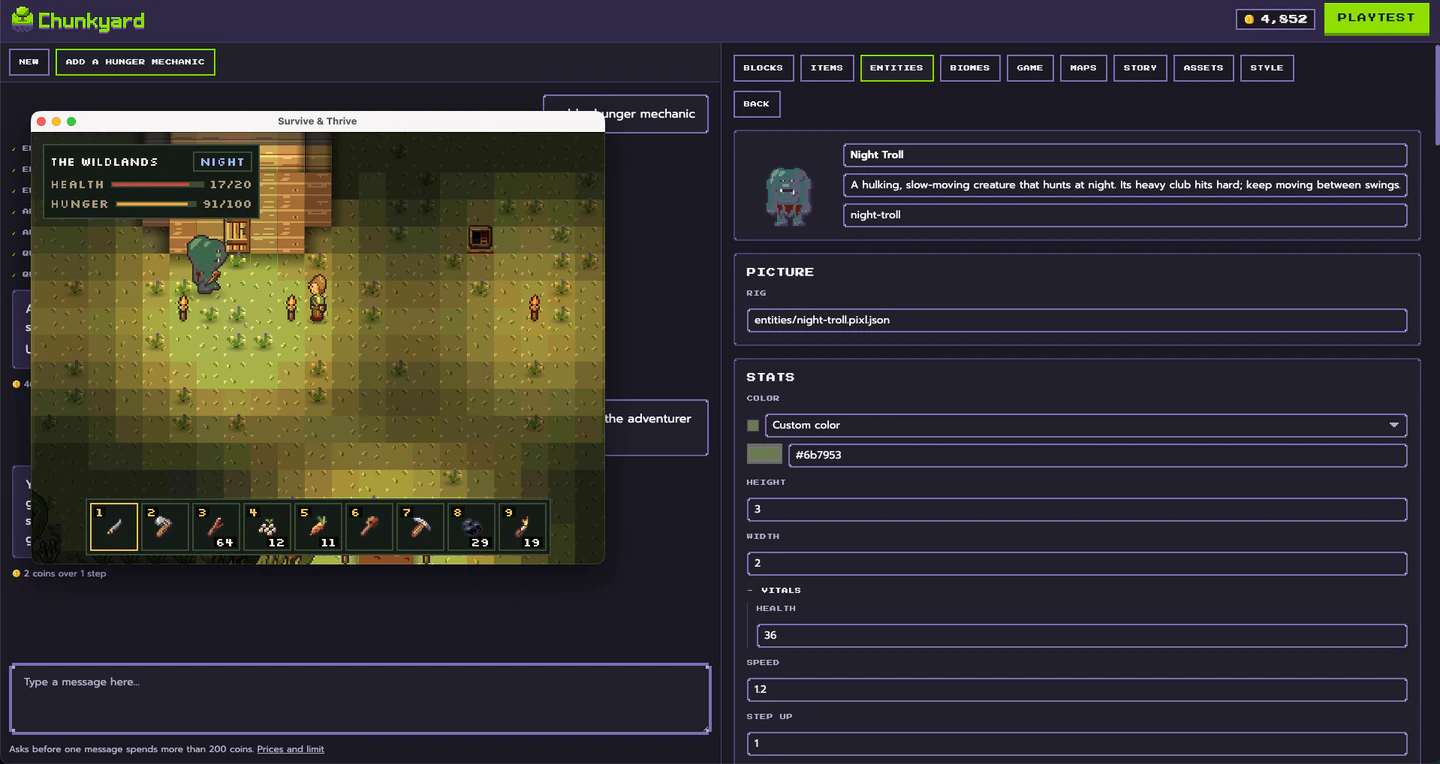
This is where most of your playtesting goes. Ask yourself:
- Can a new player survive the first night if they're careful?
- Does each night feel a bit harder than the last?
- Is there a reason to leave your base during the day?
Adjust enemy health, damage, spawn caps and the hunger drain in their forms until the answers are yes.
Step 6: Add something to aim for
Survival games can be endless, but a goal helps. Craft a boat and leave the island. Dig down to the deepest cave. Defeat the wolf that leads the pack, and roll the credits. One goal gives the player a direction.
Step 7: Add the extras
Once the core works, these add depth:
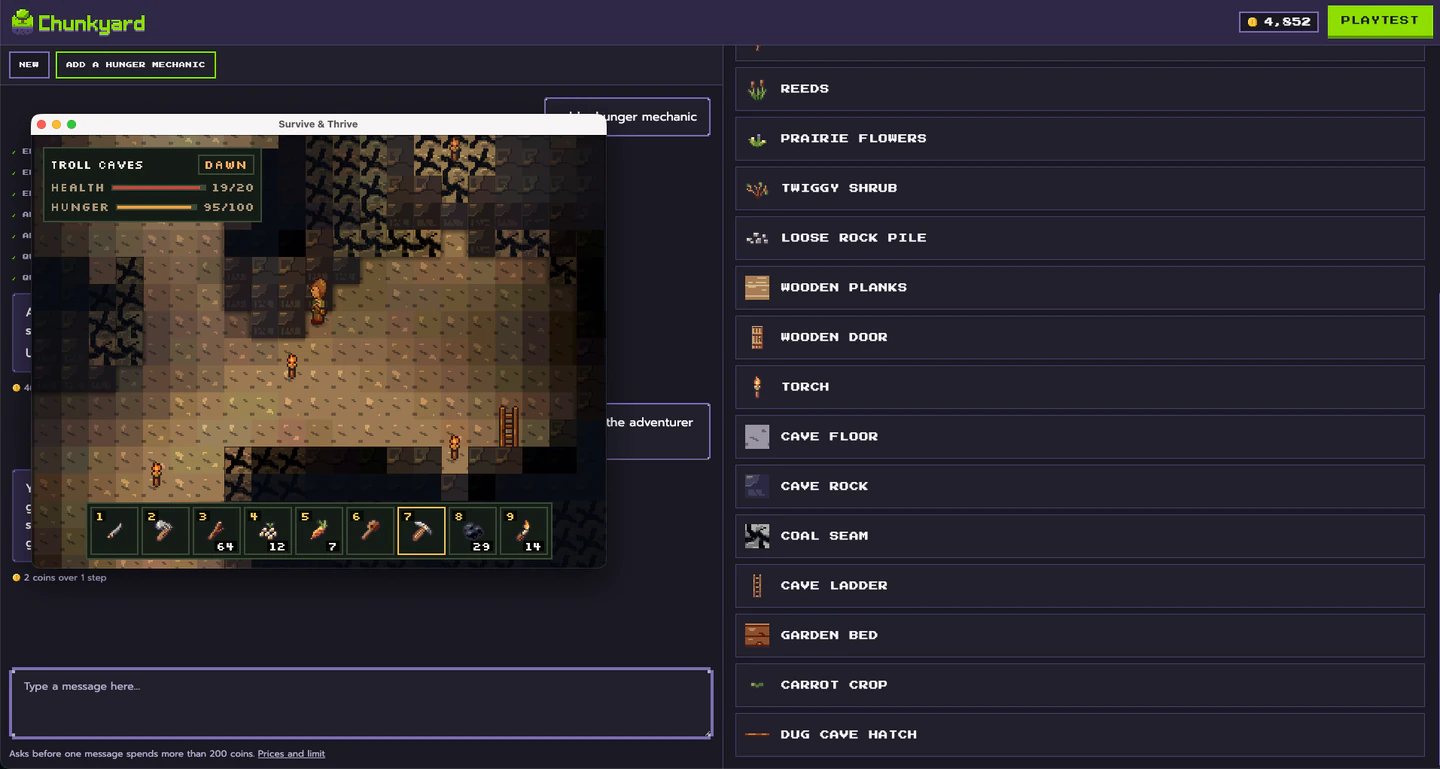
- Caves: dig a hatch and go down, layer after layer, with ore to mine
- Seasons: crops that won't grow in winter make food scarce
- Farming: a slower, safer food source
- Fluids: water to swim through, lava that sets you burning
- Armor: worn pieces that soften hits
- Music: a calm daytime track and a tense night track
Ideas to make your survival game different
- A chain of small islands, linked by portals
- A game that starts deep underground and climbs toward the surface
- Enemies that only hunt by day, so night is the safe time
- Tools that wear out fast, so nothing is permanent
Want a calmer version? Swap the enemies for more depth on farming mechanics and you're on your way to a farming game. New to making games? Start with how to make a 2D game without coding.